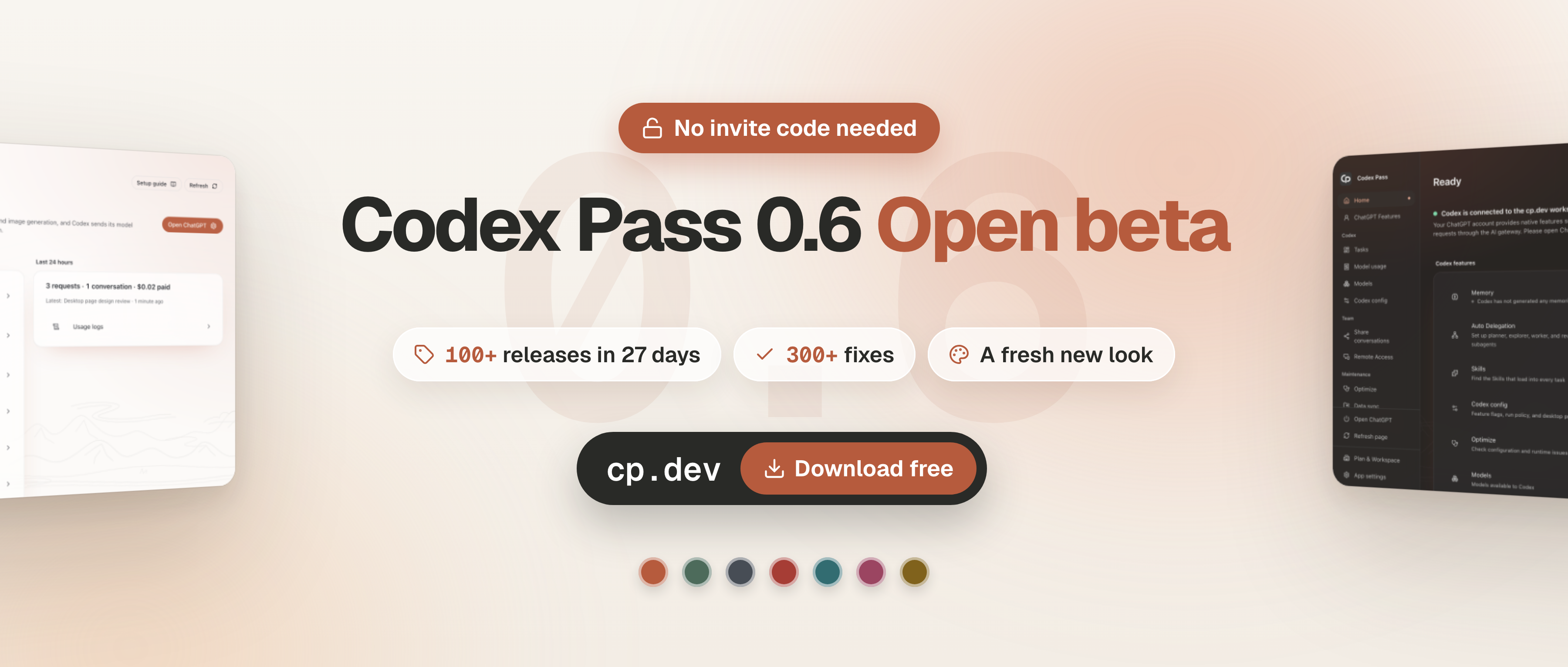
Codex Pass 0.6.0 is available. You can now download the app, register with cp.dev and get started without a waitlist or an invite code.
From the beta to your everyday work
Thank you to everyone who tested 0.5.x, reported issues and shared how they work. Version 0.6.0 opens downloads, registration and updates to everyone. Invite-code and referral entries have been removed from Settings. Team invitations still control membership of a particular team.
Keep working in the familiar Codex / ChatGPT client while Codex Pass helps you configure models, adjust features, inspect logs and costs, and delegate tasks across models.
Your resources, your choice
Features that use your own resources remain free: connections, model configuration, voice, images, search, sync, Doctor, delegation and the work overview do not require a paid feature unlock. Your chosen model providers, account subscriptions and storage services retain their own charges.
In 0.6.0, personal Skills can sync through your own S3 storage without a hosted plan. Moving personal sessions to your own storage stops session uploads and downloads through cp.dev; it does not change memory sync. After all devices have migrated, you can remove the previous cloud copies in Sync settings.
Team data in team storage
This release improves team storage for sessions, memory, configuration and project startup prompts. Administrators can inspect exports by device, including records left by former members. Team memory is encrypted in team storage; the console does not store its body.
Members' model access, quotas and collaboration capabilities still depend on team configuration and service entitlements. Check the console for plans and quotas for hosted sharing, remote collaboration and Jev.
Download and update
Download Codex Pass 0.6.0 for macOS, Windows or Linux. The macOS app is signed and notarized. No separate Codex CLI installation is needed.
Public updates in 0.6.0 no longer require a cp.dev connection, invite code or license. If you are on an older 0.5.x installation that is not connected to cp.dev, you may need to install 0.6.0 manually once before using in-app updates.
Read the pricing guide or open the console to configure hosted services and your team. Installation files for every supported platform are available from the official download page.
If something goes wrong, start with Doctor. Sending diagnostics requires a cp.dev connection; you can also save the diagnostic file and contact support@cp.dev.