We use Codex every day to build our own products. Over time we kept running into the same questions. Is memory still being written? Why did this skill show up in an unrelated task? What did this project actually cost? Why does Codex keep reconnecting? And what should we do when the ChatGPT plan runs out in the middle of a task?
Most of the answers were already inside Codex, in config files, feature flags and background processes. We started building tools to see them and act on them. Codex Pass is those tools, packaged for anyone who relies on Codex for real work.
This announcement introduced our invitation-only beta. As of October 13, 2026, Codex Pass 0.6.0 is available to download and registration is open.
What Codex Pass is
Codex Pass is a desktop app for macOS, Windows and Linux that works alongside the official ChatGPT desktop app. It does not replace or modify Codex. You keep the client you know, and Codex Pass adds what is around it.
Your plan first, your own models next
Codex Pass shows your ChatGPT plan's 5-hour and weekly quota, when each window resets, and roughly how much will be left at your current pace. With Official first turned on, new conversations use your plan until it reaches a stop line you choose. After that, requests go to your own models, through a provider API or your company's AI gateway, and return to ChatGPT once the quota comes back. Codex does not need a restart.
Because Codex keeps account traffic and model traffic separate, the native features of your ChatGPT account keep working: voice, image generation, web search and remote control. Your custom models appear in Codex's own model picker, with their prices.
See and fix what Codex is doing
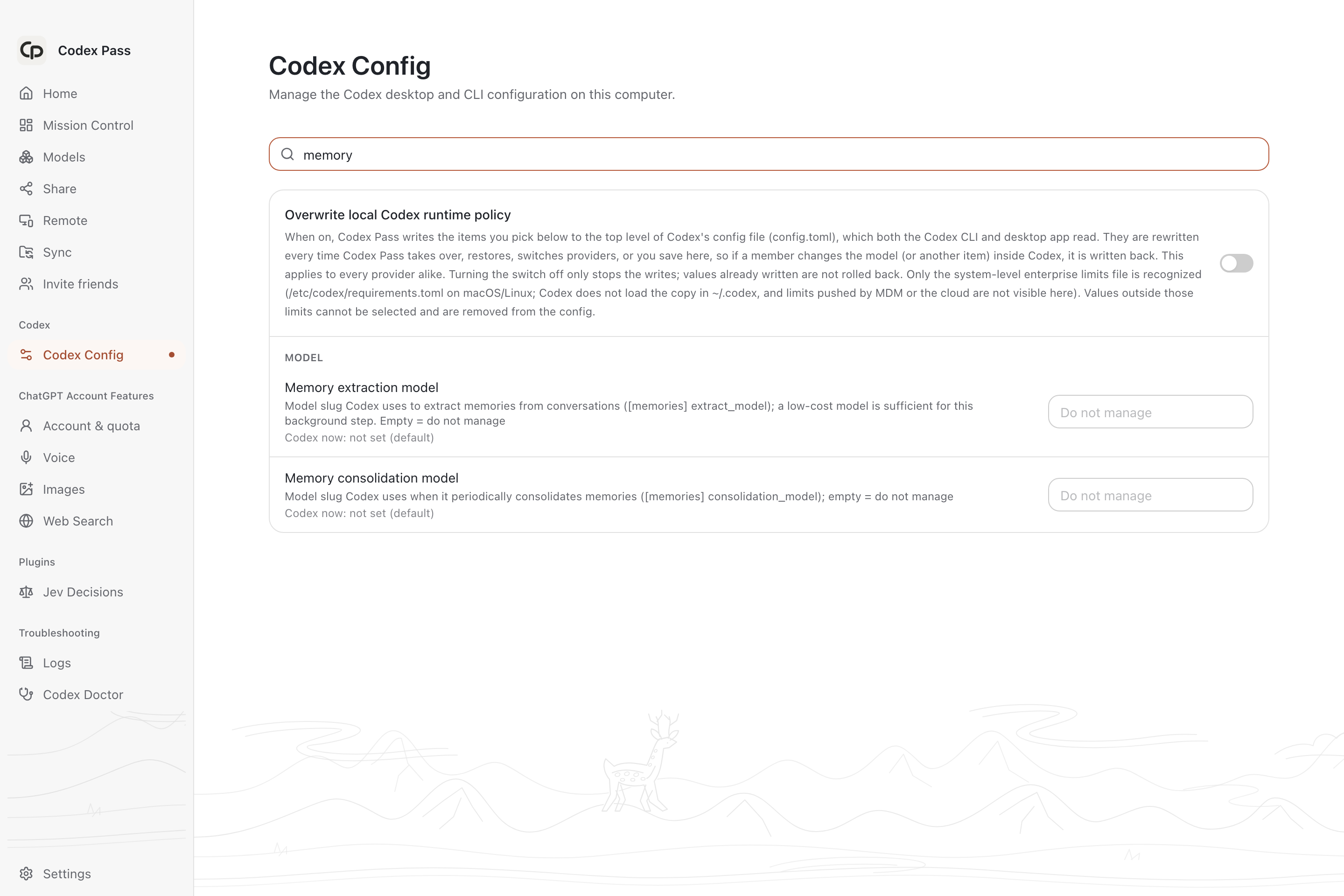
- Memory. Whether memories are being generated, which model generates them, and why generation fails.
- Skills. Which skills Codex hands the model on every turn, which ones reach into every task, and a switch to turn them off.
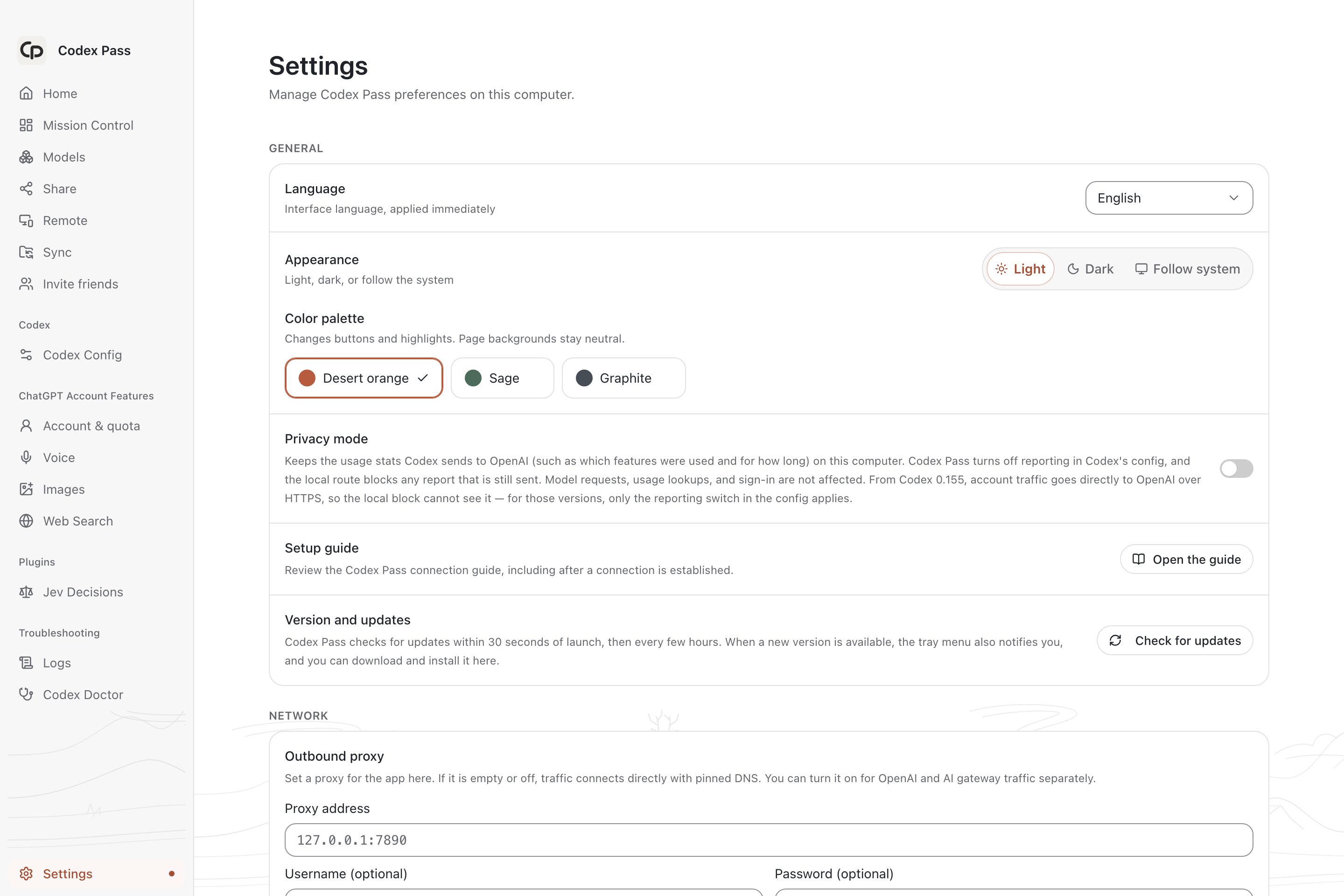
- Feature flags and settings. More than a hundred Codex feature flags and desktop preferences in one place, each with a description.
- Logs and costs. Every request, session and project, with its usage and cost.
- Codex Doctor. A health check that writes down the cause and the fix, plus tools to clean up storage, back up, rewrite thread titles, remove leftover hooks and tidy memory.
- Mission Control. Every project's tasks in one view. Managed delegation can hand parts of a task to other CLIs on your computer, such as Claude Code, Antigravity CLI and Kimi Code.
For teams
The team edition adds a console at console.cp.dev. Administrators connect model providers and AI gateways once, choose which models and budgets each member gets, and share a connection code. Members connect with that code and never handle provider API keys. Conversations can be shared with invited colleagues, work can continue from a phone or browser through end-to-end encrypted remote access, and project knowledge becomes team memory that colleagues' Codex can draw on.
Built to stay out of the way
The local proxy listens only on 127.0.0.1, with its own token. Each device signs its requests with its own Ed25519 key. Remote access is end-to-end encrypted, and the key stays in the link instead of reaching our relay. Installers are signed, and updates are verified before they install.
Get started
Download Codex Pass from the download page to get started. No invite code is required from 0.6.0. For team setup, register at console.cp.dev and view the available services. Questions are welcome at support@cp.dev.
Codex Pass is available in English, Simplified Chinese, Traditional Chinese and Japanese.
The Codex Pass team
Codex and ChatGPT are trademarks of OpenAI. Codex Pass is an independent product and is not affiliated with OpenAI.